Bitmap To Font Converter
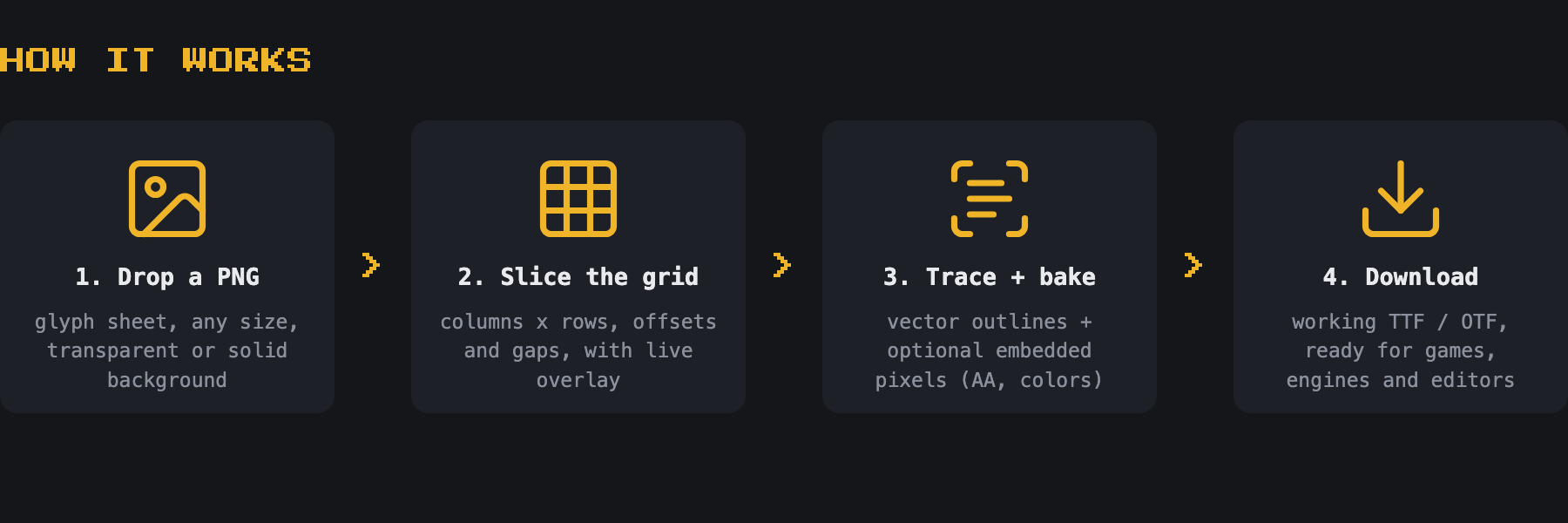
Drop in a PNG / BDF / FNT / FON with your glyphs laid out in a grid, set the number of columns and rows, type the characters in order - and download a working OTF or TTF font.
1. Runs entirely in your browser, no upload
2. Live preview rendered with the actual generated font
3. Monospace or proportional spacing, baseline and threshold control
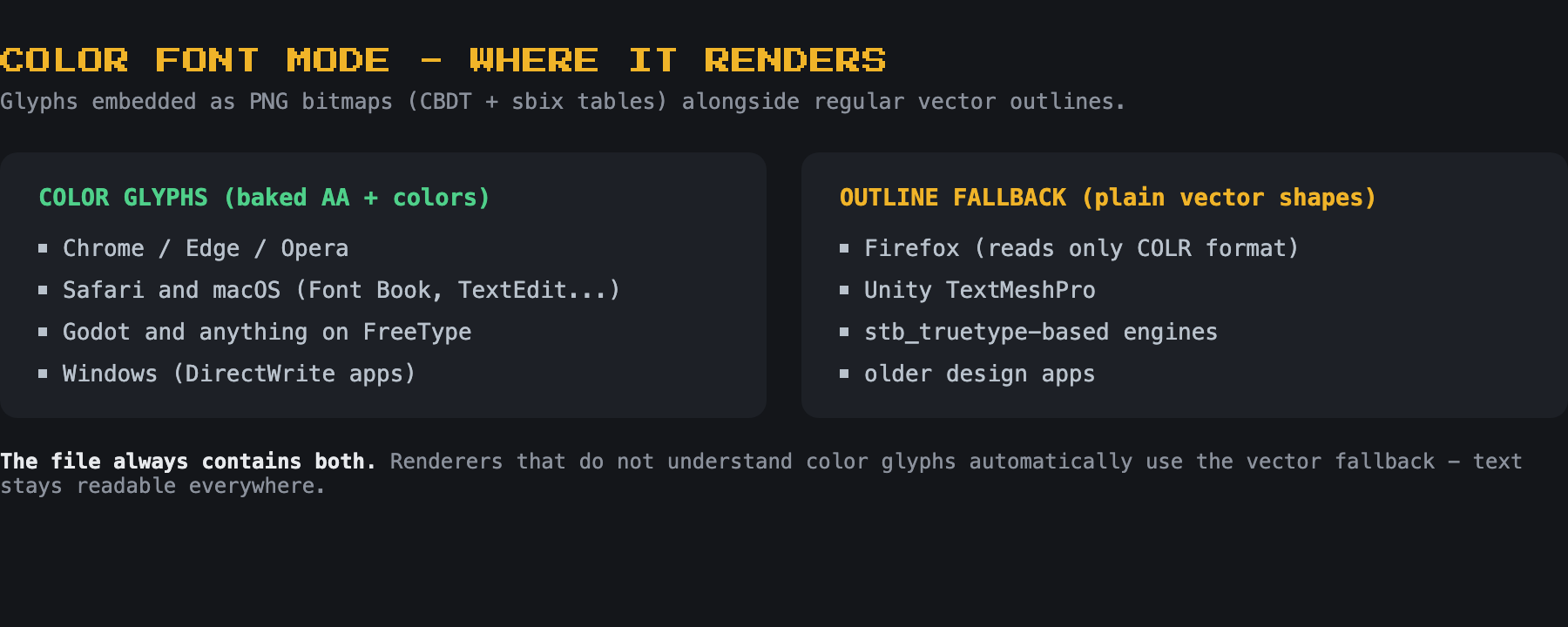
4. Color font mode - bakes AA and colors into the TTF
5. Try it instantly with the built-in example sheet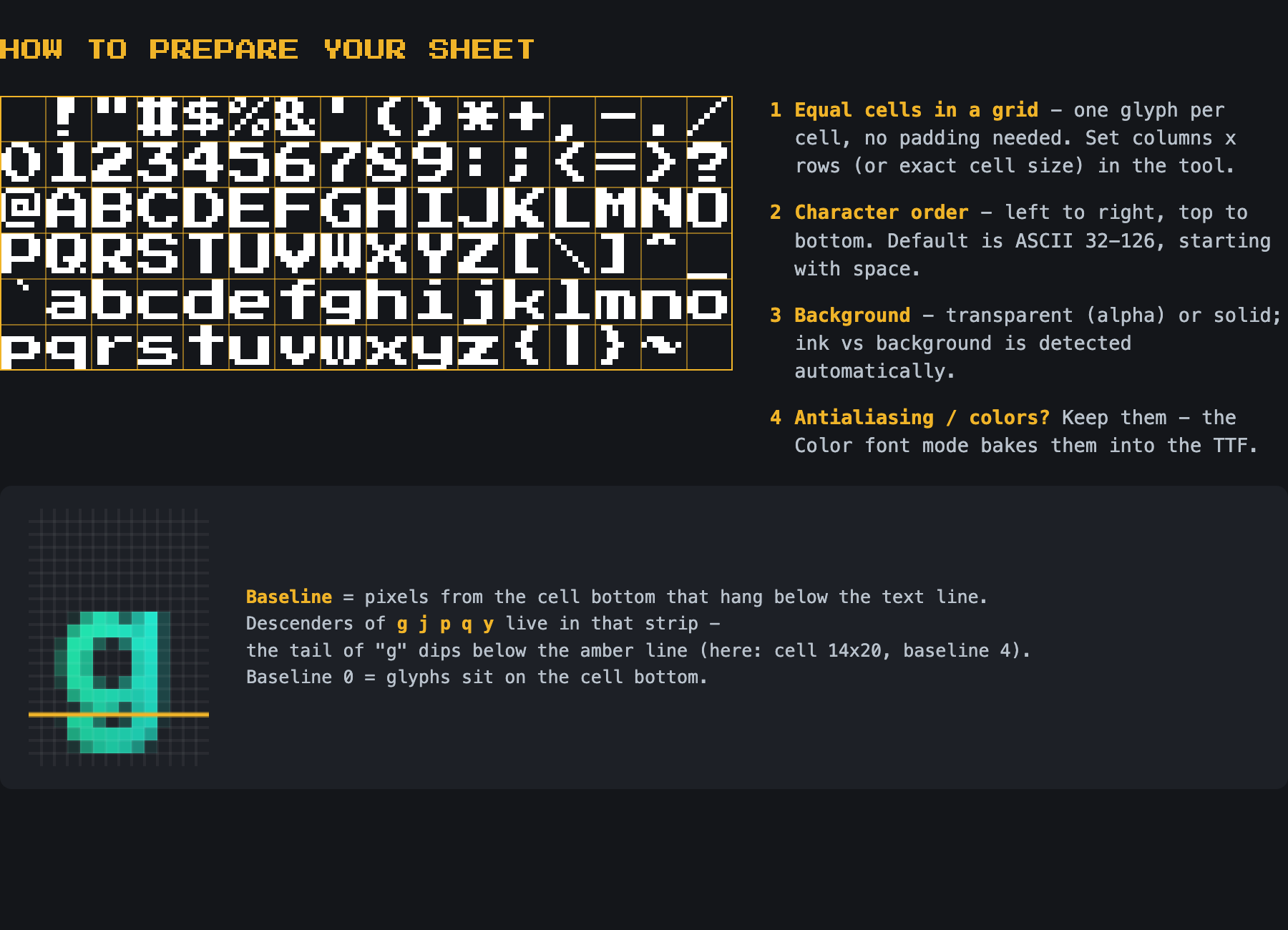 Note: some features may behave differently depending on your browser - color fonts in particular are rendered by Chrome, Godot and macOS, while e.g. Firefox shows the plain outline fallback. The generated files always contain the full data.
Development log
Comments
Log in with itch.io to leave a comment.
This is amazing!! I've been trying to get my custom font (that uses semi-transparent pixels) set up, and this seems to render it perfectly! It's also really nice that it takes spritesheets, which makes the whole process way easier.
I'm wondering, is there a way to also assign a fallback character, for when a character isn't recognized by the font? (In a lot of fonts it's the 'tofu' or 'question mark in a box' character.) I have a glyph for that one as well, but I can't seem to find an option to put it anywhere
Good point. I'll implement that feature.
It's ready, check it.
Seems to work! That was fast, thanks for adding this!
This is amazing. I searched for like an hour for something that does this
Thanks! Please leave a rating - it helps others find this tool!
Done! Is it possible to make this tool create a color TTF so I can bake anti-aliasing into the font?
I've added a "Color font" option - not 100% sure it's exactly what you had in mind, so let me know. It embeds original antialiased pixels into the TTF (CBDT + sbix tables), with regular outlines as a fallback. Note that support depends on the renderer/browser - Chrome, Godot and macOS show color glyphs, Firefox and Unity TMP will show the plain outline fallback.
Wow that was so fast! Thank you. That's exactly what I was looking for
I'm having two little issues: 1) How do you name the font? It seems like the font name was taken from the Characters area and it's named !123456 etc. Also, the font works normally in most applications but in Affinity it looks crazy but the black and white fonts looked normal. Any idea what's up?
1) Font name is back.
2) I can't guarantee color fonts render right in every app - but for Affinity, try the new "Outline fallback" checkbox and uncheck it before downloading. It's on by default since that's better (I think) in most cases.
@edit
Ok, I downloaded Affinity and it looks correct now with "Outline fallback" unchecked.
I'm implementing two more options related to scale (better quality) and the COLR Layers, which also has its pros and cons.